Which file formats can I generate?
Export SVG vector paths or PNG files at 1×, 2×, 4×, 6×, and 8× resolution. SVG text is automatically converted to vector paths, so no fonts are embedded, keeping exports smaller and sharp at any scale.
Enter text and preview the result instantly in your browser—no software installation required. Export a font-independent SVG made of vector paths or a high-resolution transparent PNG.
Every adjustment appears in the live preview, with no assets to upload.
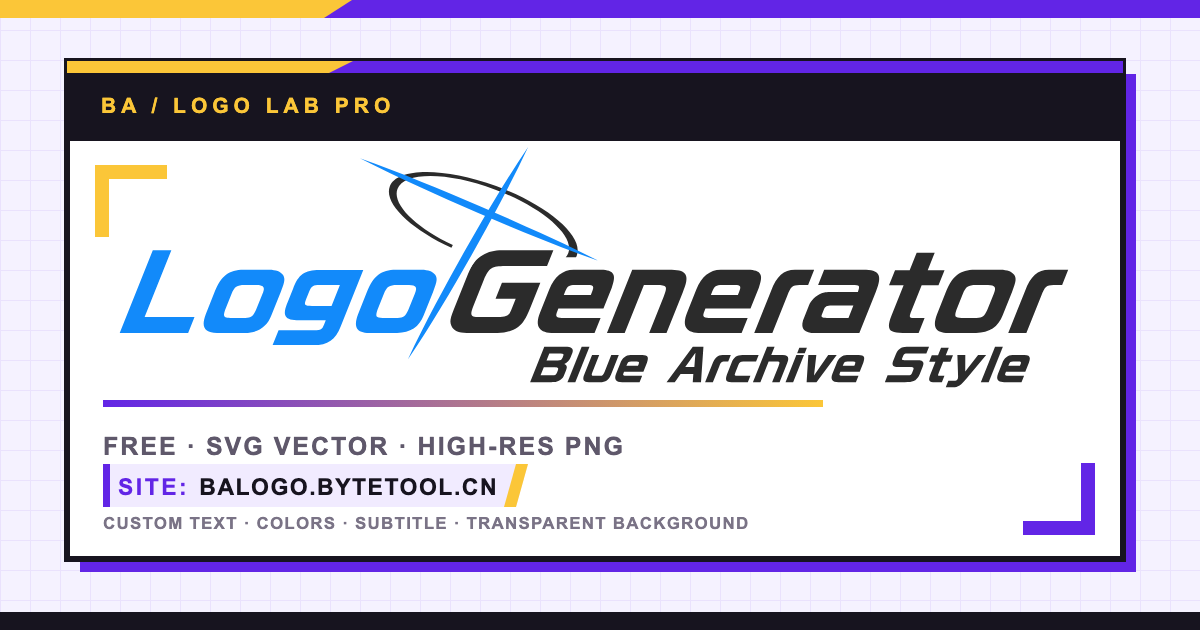
Export SVG vector paths or PNG files at 1×, 2×, 4×, 6×, and 8× resolution. SVG text is automatically converted to vector paths, so no fonts are embedded, keeping exports smaller and sharp at any scale.
Yes. Logo generation happens entirely in your browser: nothing is uploaded, and no desktop app is required. The generated files are entirely yours.
Edit the left and right text, adjust colors, spacing, halo, cross and subtitle, then export the result as SVG or PNG.
This is an unofficial community tool and is not affiliated with the game or its official publishers.